Caroline ↗
An AI assistant inside the constructor. Say what the scene needs; she changes the project, and you see the result in the viewer.
The Ferret constructor opens in your browser. Tell Caroline, its AI assistant, what you need, and build on what the library already holds: a lab, an illustration, a whole lesson.
An AI assistant inside the constructor. Say what the scene needs; she changes the project, and you see the result in the viewer.
Models, materials, effects and characters, growing with what people make. Caroline looks there first, so a new scene starts from what already exists.
Bodies, liquids, air, heat, electricity, machines and atoms behave as they do in the world, so a lab answers the way an experiment would.
Every project is kept with its versions in your Cat Space storage. Download it as a file whenever you like.
Open the constructor and sign in with your Squirrel Wisdom account, or create one there.
Begin with an empty project, a template or one of the examples. Open the Caroline tab and say what you want to see.
Press Play to try the scene. Save it to Cat Space with its versions, or download it. Build All makes a .fex game file that plays in the Ferret Player.
Sign in with your Squirrel Wisdom account inside the frame, or open the constructor in its own tab.
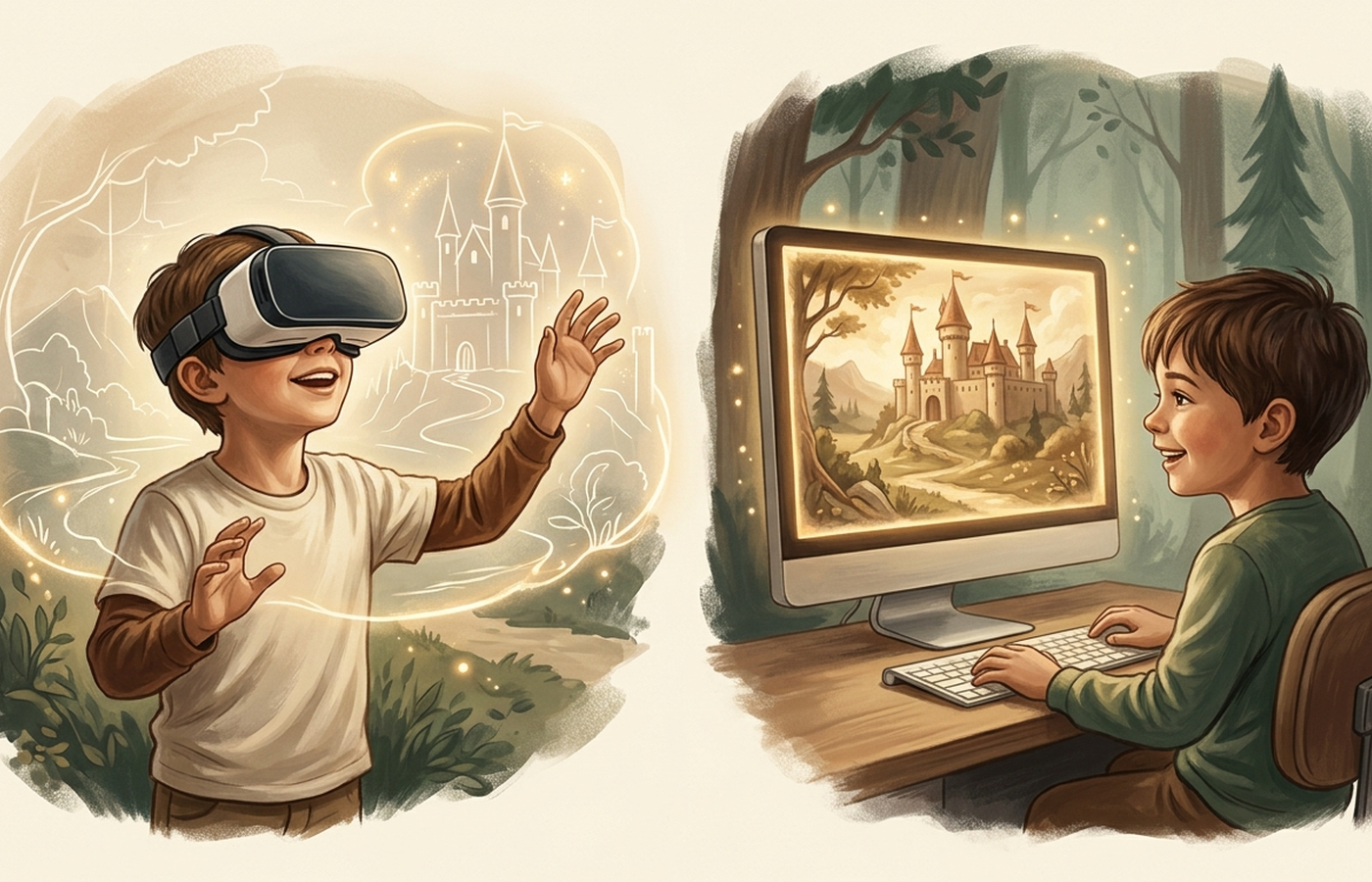
Scenes made with Ferret run in an ordinary web browser on a computer. Scenes built for it also play in a VR headset such as Meta Quest.
| Where | A web browser on a computer. |
|---|---|
| Account | A Squirrel Wisdom account. |
| Caroline | Works through your Squirrel Wisdom wallet, or through your own Claude or ChatGPT account. |
| Storage | Your Cat Space, with every version of every project. |
| Playing | A built game is a .fex file: open it in the Ferret Player and play it in the window or full screen. |
Labs made with Ferret open in your browser.